Built for Indian businesses, on a proper double-entry ledger.
From section 22 turnover exemptions to a ledger that won't post until debits equal credits, here is every capability in Deku Finance, and you can try each one in the demo on sample books.
A business below the registration threshold shouldn't have to deal with tax lines from day one. Deku has a pure accounting mode for it under section 22 of the CGST Act, and a GST mode for registered businesses. You choose the mode when the company is set up.
Pure accounting mode
Turnover below the registration threshold
For freelancers, professionals and small suppliers who don't need GST registration under section 22 of the CGST Act.
Bills of supply and commercial invoices with no tax lines.
A UPI QR code on the invoice, so customers can pay you directly.
Full double-entry books for income tax and your financial statements.
Bill of supply
Example
Value of supply
₹1,00,000
Total
₹1,00,000
UPI QR printed on the invoice for the customer to pay.
CGST Act 2017, section 22(1): the registration threshold.
GST mode
Registered businesses and B2B tax invoices
For businesses over the threshold or registered voluntarily. The full tax engine is on.
CGST and SGST within your state, IGST across states, split automatically.
HSN and SAC codes on every line, with suggestions from the HSN master; you choose the rate.
GSTR-1 and GSTR-3B prepared as offline JSON for upload on the GST portal.
Tax invoice
Example
Taxable value
₹1,00,000
CGST at 9%
₹9,000
SGST at 9%
₹9,000
Total
₹1,18,000
E-invoices (IRN) and e-way bills go through a GSP connection, which isn't connected yet.
Also in Deku
The rest of the day-to-day work, in the same keyboard-first workspace.
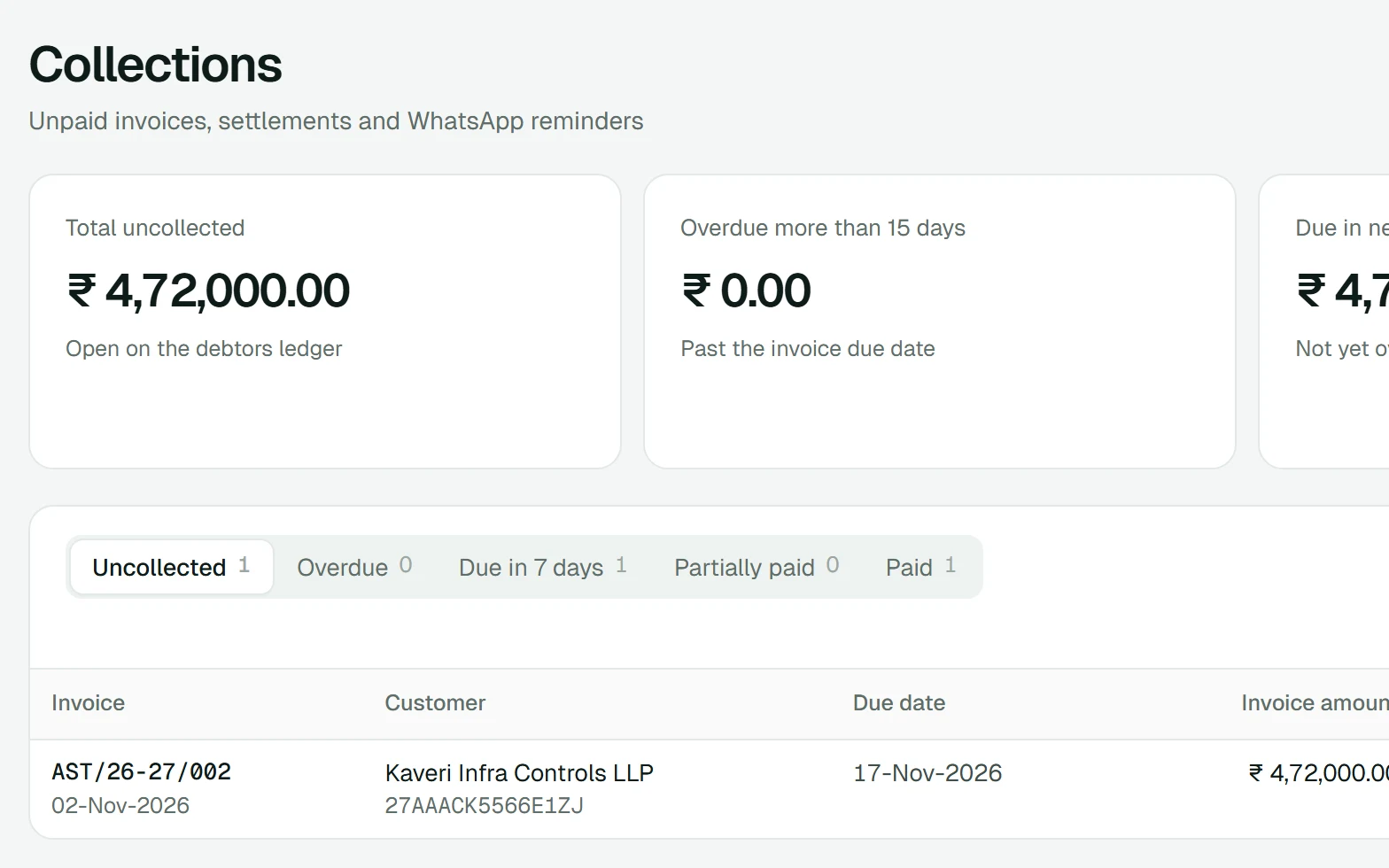
Collections
See what each customer still owes, settled against the debtors ledger, and send a WhatsApp reminder link yourself.
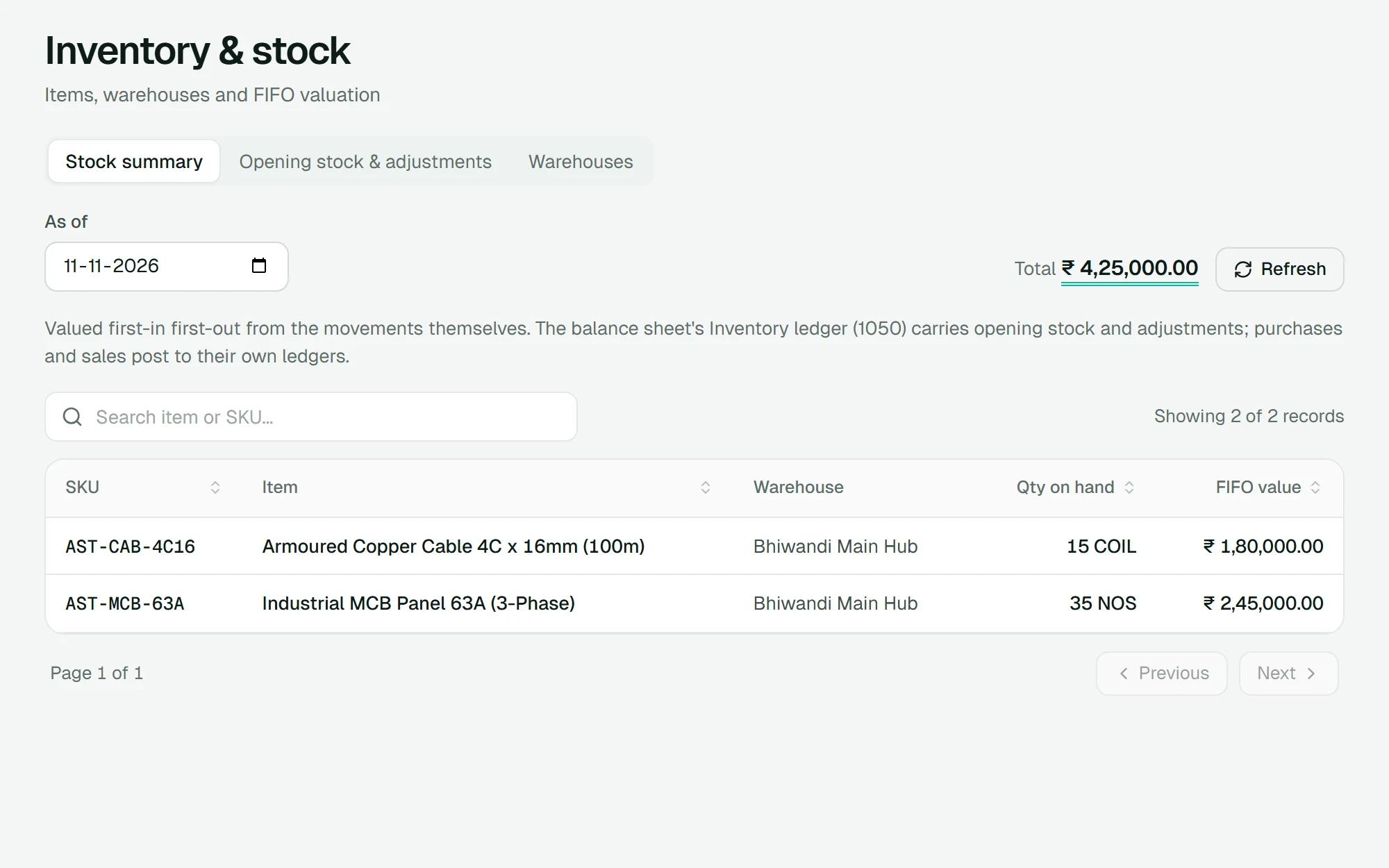
Inventory at FIFO cost
Stock on hand valued first in, first out, moved by issued invoices, linked purchase bills, sales returns and adjustments.
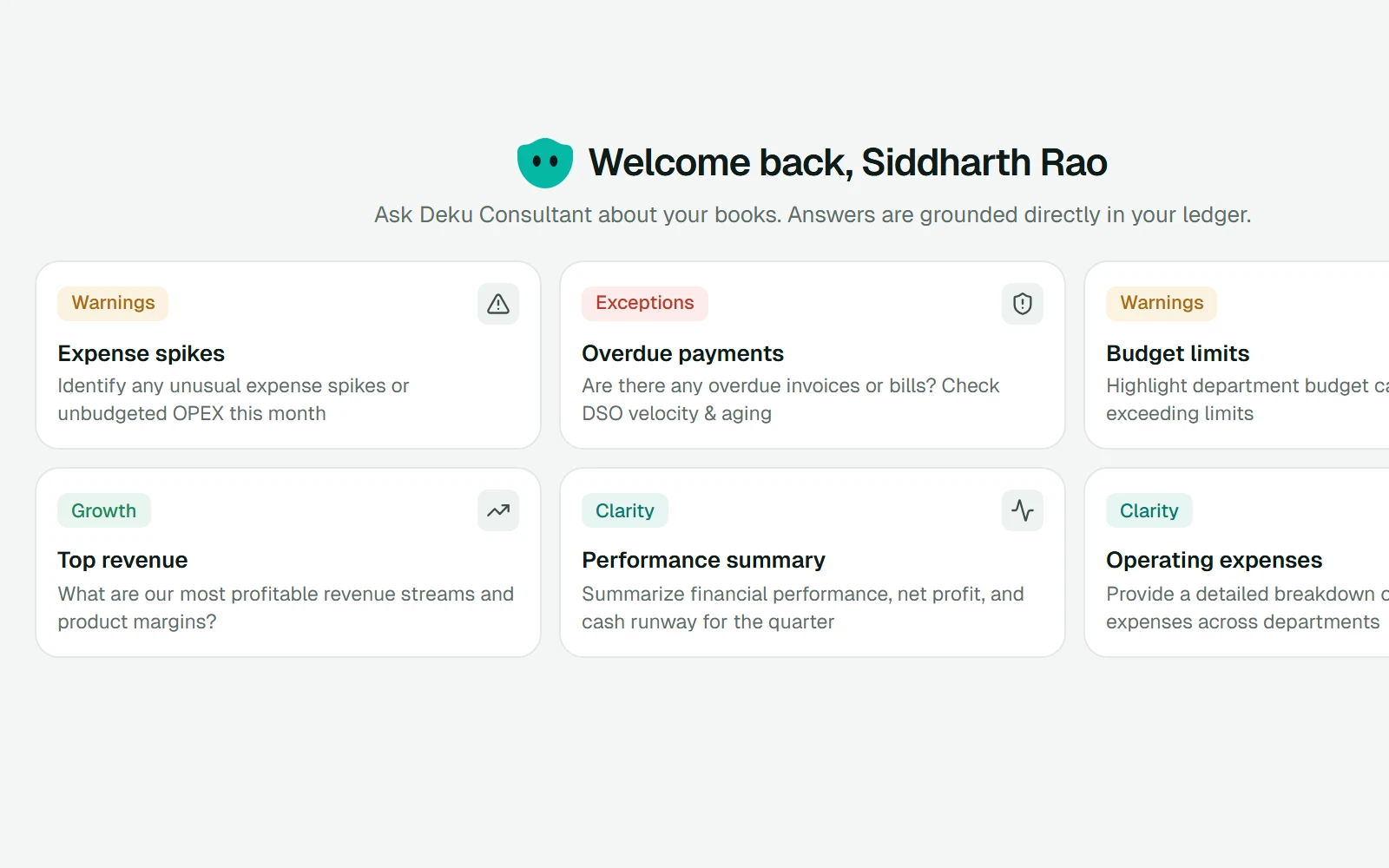
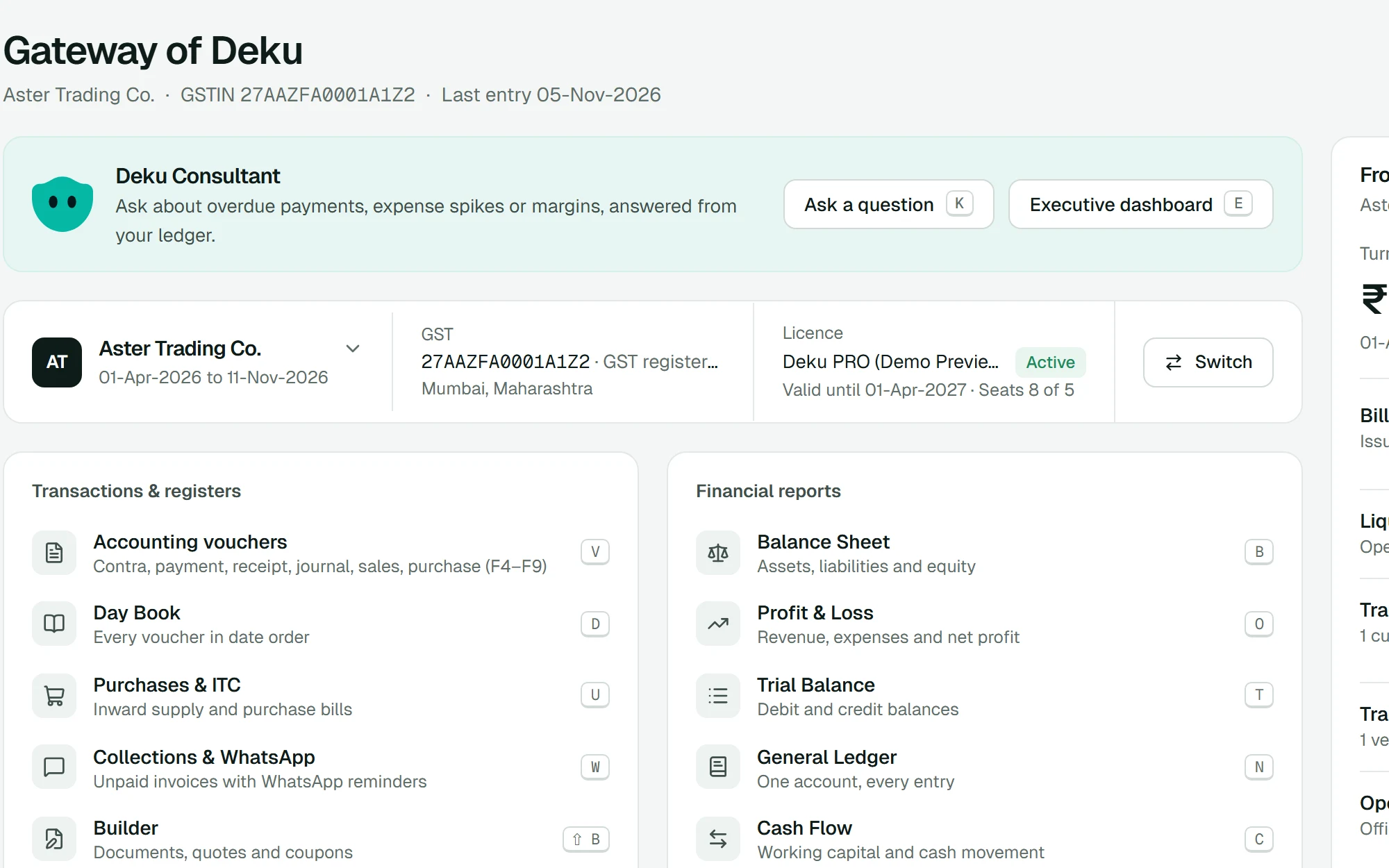
Deku Consultant
Ask about your numbers in plain words. It answers from your ledger with fixed logic, not an external AI model, so your data stays in your deployment.
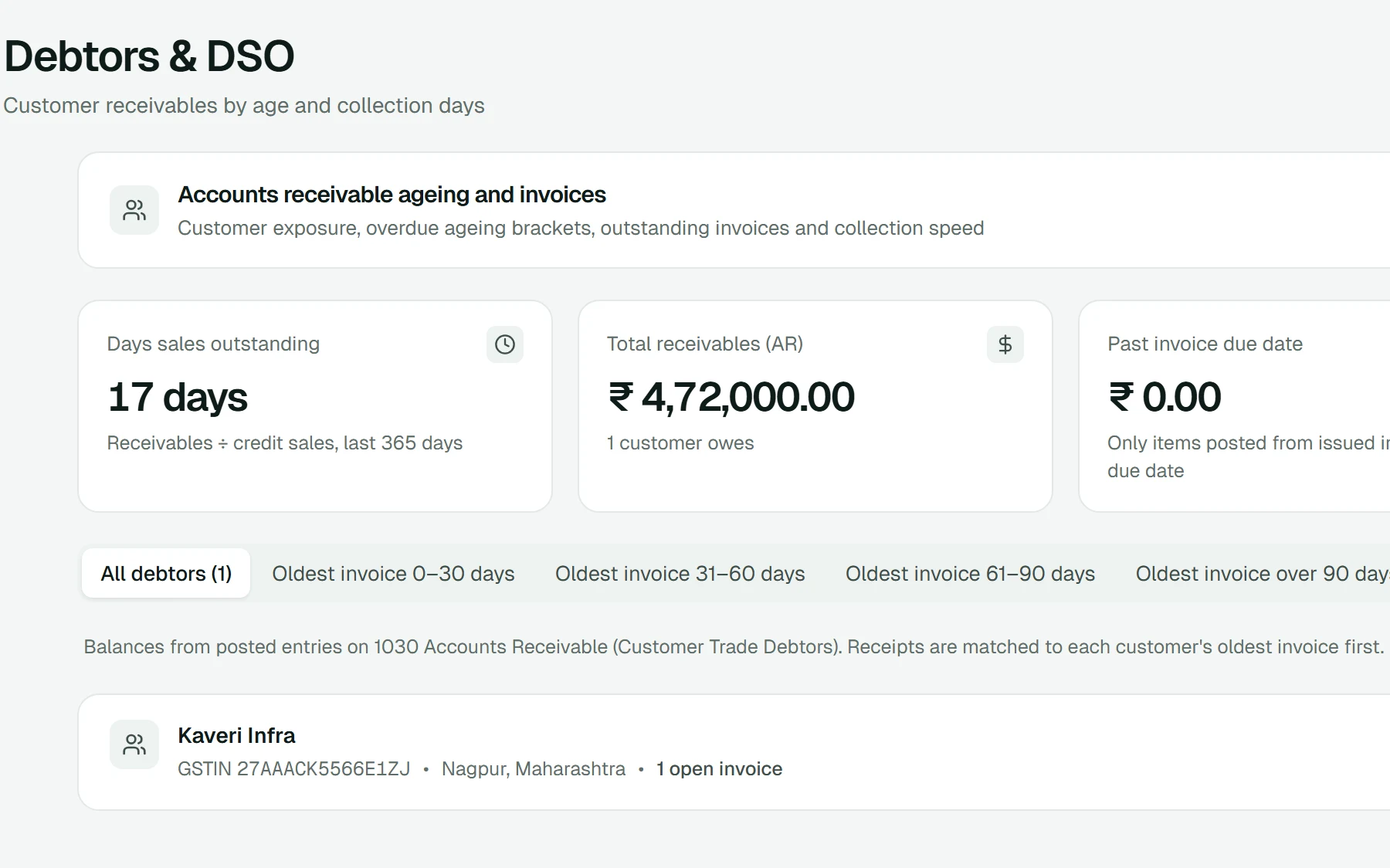
General ledger and ageing
Every account's entries, plus who owes you, whom you owe, and for how long.
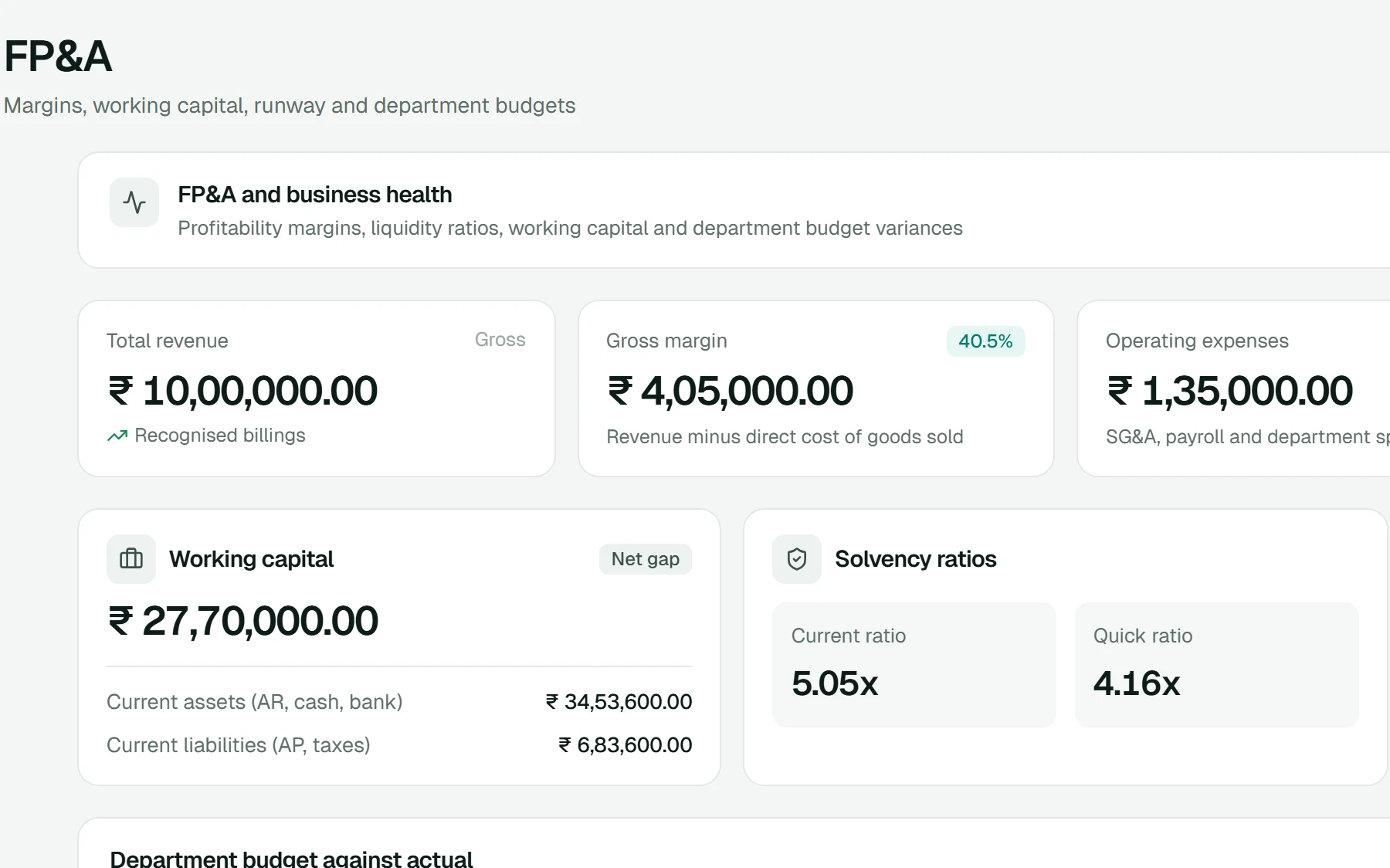
FP&A
Margins, working capital, runway, and department budgets alongside the actual figures.
Import from a Tally XML export or CSV
1Upload
2Detect
3Map
4Validate
5Review
6Apply
Masters, opening balances and vouchers. The file is read in your browser; only the rows you apply are sent.
Import from Tally or CSV
Bring in masters, opening balances and vouchers from a Tally XML export or a spreadsheet, checked step by step before anything is applied.
Gateway and shortcuts
Every screen has a letter on the Gateway. Esc brings you back to it, and Ctrl K jumps to anything.
Your deployment
Web app
The screens you use
API
Sign-in, rules and posting
Database
Your books, in Postgres
Set up for one business, not shared with other companies.
Your own deployment
Deku runs in a deployment set up for your business, not on a shared platform.
Public sandbox, no registration
Test every feature in the public Learn Centre.
Follow 18 hands-on guided workflows on the real screens, with sample books. No login, and nothing you do there touches real accounts.